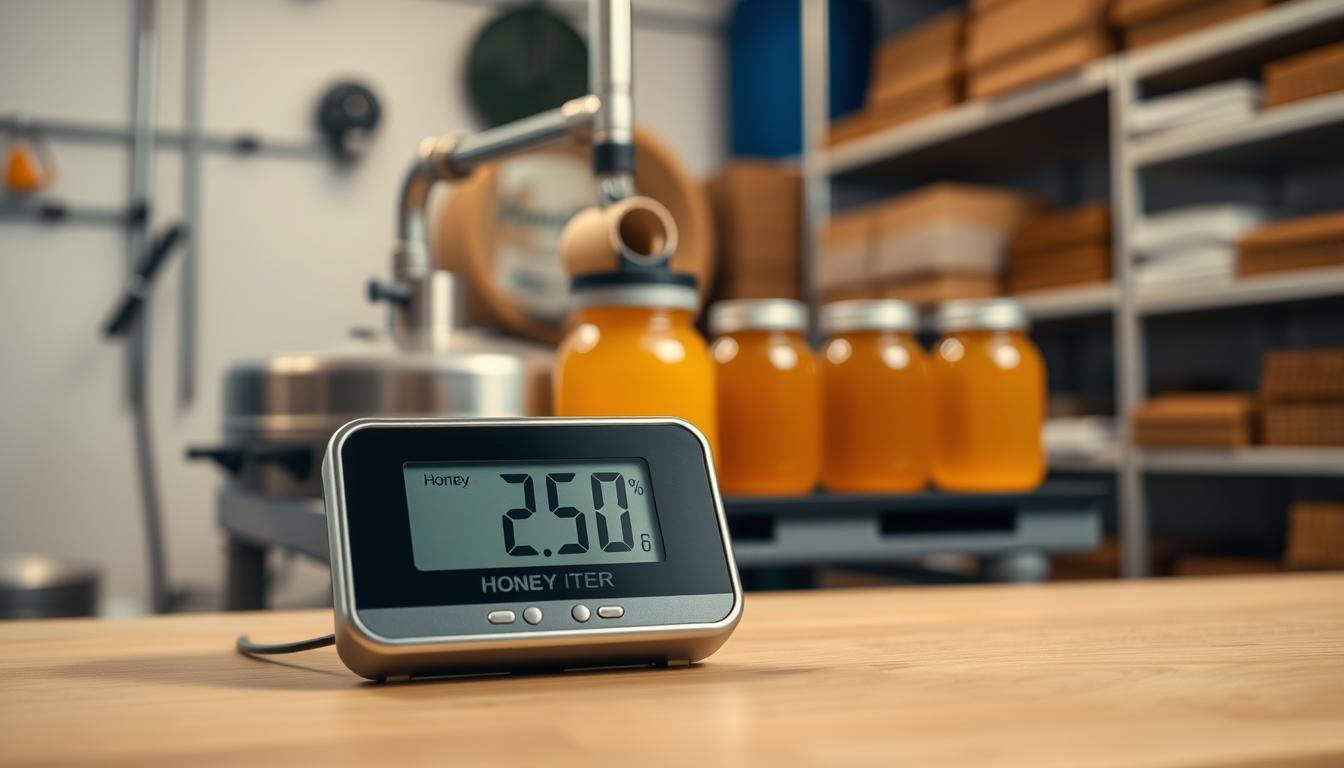
Keeping stored honey stable starts with steady conditions. A reliable monitoring setup helps producers avoid spoilage and preserve flavor. We highlight models that offer accurate readings and useful features for professional use.
The Govee H5051 Wi-Fi Indoor Hygrometer stands out as a trusted device to track both temperature and humidity in sensitive storage areas. Its sensor reports clear data to an app, and the display gives quick status at a glance.
Proper control of air and moisture prevents fermentation and protects quality. A precise hygrometer with calibration options and timely alerts makes it easier to maintain ideal conditions during storage and handling.
Whether you prefer digital screens or analog units, this guide compares accuracy, range, battery life, and value. Use the right device to protect your investment and meet the standards expected by users across the United States.
Key Takeaways
- Accurate monitoring prevents spoilage and maintains product quality.
- Govee H5051 offers Wi‑Fi data, straightforward display, and reliable sensors.
- Choose a hygrometer with calibration and alert features for peace of mind.
- Compare models by range, battery life, and accuracy to fit your budget.
- Consistent temperature and moisture control preserve long‑term storage value.
Why Humidity Control Matters for Honey Processing
Small shifts in air conditions can change how stored honey behaves and tastes. Producers must watch both temperature and humidity to prevent spoilage and preserve consistency.
Impact on Honey Quality
Honey is hygroscopic; it draws moisture from the air. If relative humidity climbs, yeast can grow and fermentation may begin. That leads to off‑flavors, cloudiness, and lost value.
Temperature swings also speed chemical changes. Consistent monitoring gives timely data so bottling happens at the right viscosity and flavor profile.
Preventing Moisture Absorption
Use a professional hygrometer with a precise sensor and calibration options to track readings. Digital models that send alerts to an app or display on a clear screen help you react fast.
- Keep storage dry: small gains in moisture change texture.
- Maintain precision: regular checks and calibration reduce risk.
- Use data: log trends to optimize air and temperature control.
Learn more about how air conditions affect curing at humidity effects on honey curing.
Understanding the Best Humidity Meter for Honey Processing Rooms
Look for a device that pairs precise sensor hardware with clear data output so you can act on changes fast.
Electrical hygrometers measure resistance across a sensor to deliver accurate readings. A good unit shows both current humidity and current temperature on its screen. That dual display gives a complete view of conditions and helps you judge moisture risk.
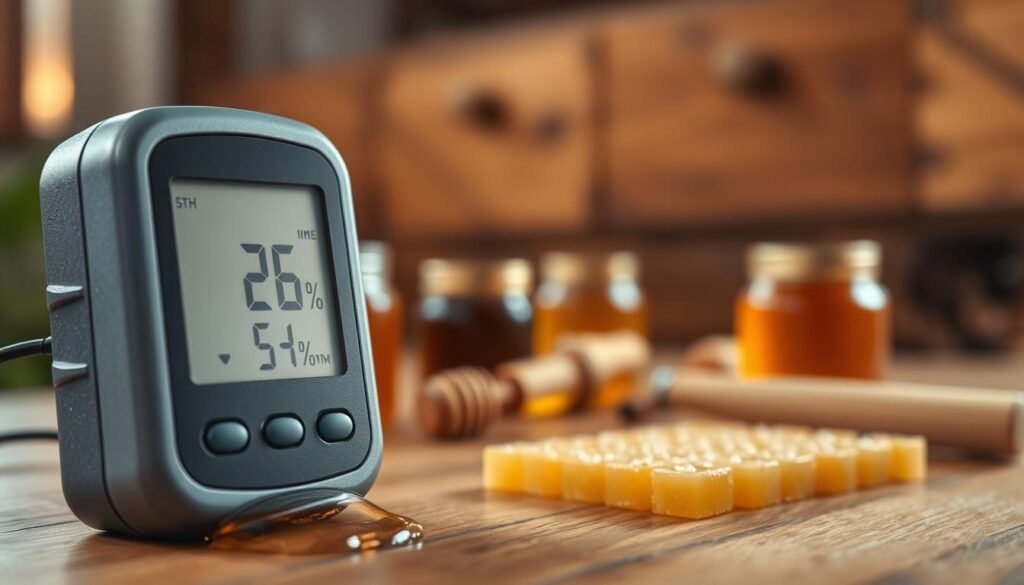
Focus on relative humidity because it drives moisture uptake. Choose models with reliable calibration routines and a sensor rated for storage use. This preserves precision over time and keeps data trustworthy.
- Alerts: customizable notifications protect stored product value.
- Connectivity: app and monitor options let users check readings remotely.
- Battery and range: ensure the unit matches your room size and duty cycle.
| Feature | Why it matters | Recommended spec |
|---|---|---|
| Sensor type | Drives accuracy and stability | Electrical capacitive sensor |
| Readouts | Shows both air metrics | Current temperature + relative humidity |
| Connectivity | Remote monitoring and logs | Wi‑Fi or Bluetooth with app |
Key Features to Look for in a Professional Hygrometer
A professional hygrometer should make critical environmental numbers visible at a glance. A clear display and accurate sensor work together so you can check temperature humidity and take action fast.
Display clarity matters. Look for a crisp screen or touchscreen like the ThermoPro TP55, which features a 4‑inch display that reads well from across the room. A good screen reduces errors and speeds routine checks.
Connectivity options let you extend monitoring beyond the facility. Wi‑Fi or Bluetooth paired with an app enables remote monitoring and real‑time alerts to a phone or tablet.
“Fast, readable data helps you prevent costly mistakes and maintain product value.”
Other practical features include long battery life, data logging, and a robust casing to resist everyday wear. Prioritize calibration routines and sensor precision so readings remain reliable over time.
For guidance on avoiding heat issues during extraction, see how to avoid overheating during extraction.
Digital Versus Analog Technology for Honey Rooms
A clear split exists: digital units rely on solid‑state sensors while analog models use mechanical springs that respond to moisture.
Digital hygrometers deliver stable readings with little drift. They typically show both humidity and temperature on a crisp display and can log data. Many offer app connectivity and alerts so users can monitor conditions remotely.
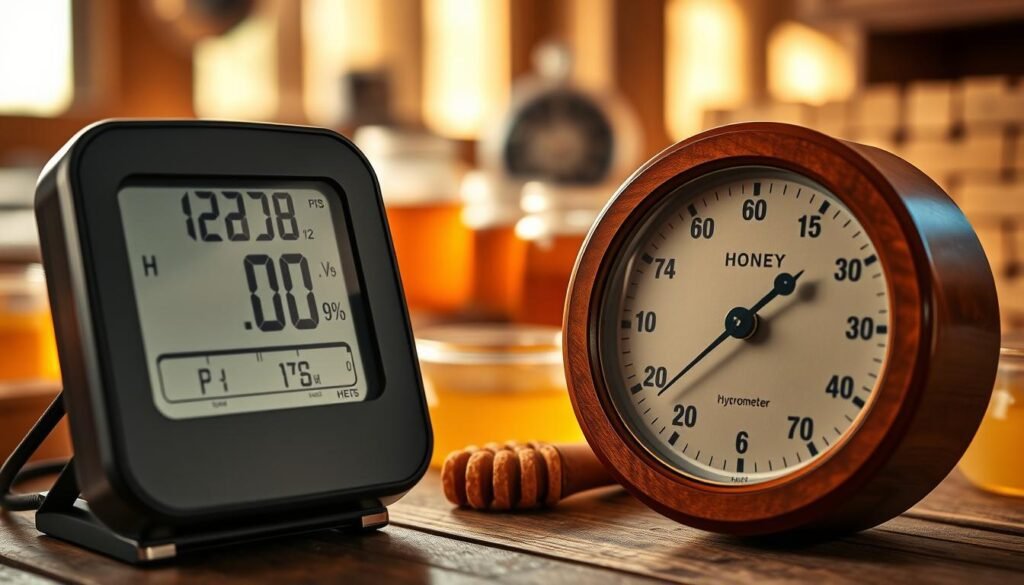
Analog units can look attractive and suit a home or showroom. Yet they often need regular calibration to keep accuracy in a storage environment. Cheap analog models may not provide the precision required in sensitive food spaces.
- Digital: better precision, data logging, app support, and durable sensors.
- Analog: aesthetic value but needs frequent calibration and care.
- Decision tip: choose a premium analog only if you accept added maintenance; otherwise pick a digital unit to monitor air and protect product value.
“Digital sensors are less affected by environmental factors, making them a more reliable choice for long-term monitoring.”
Accuracy Standards for Sensitive Food Environments
High-accuracy monitoring is the cornerstone of safe, repeatable food storage outcomes. Small errors in environmental numbers can let microorganisms take hold or change texture and flavor.
Understanding Relative Humidity
Relative humidity shows how much moisture air holds at a given temperature. That single metric guides decisions on ventilation, sealing, and scheduling transfers.
Professional users should choose a unit that reports tight tolerances. The SensorPush HT.w, for example, offers ±2% relative humidity and 0.36°F temperature accuracy. That level of precision reduces risk and preserves product value.
Digital hygrometers typically hold accuracy longer than analog models. Regular calibration and verified sensors keep your data trustworthy over months of monitoring.
- Why it matters: small RH changes affect texture and fermentation risk.
- What to require: certified sensor accuracy, clear display, and alerts or an app for remote checks.
- Maintenance: schedule calibration and battery checks to retain precision.
| Standard | Recommended spec | Benefit |
|---|---|---|
| Relative humidity accuracy | ±2% RH or better | Limits fermentation and preserves texture |
| Temperature accuracy | ±0.5°F to ±0.4°F | Stable viscosity and flavor control |
| Data features | App, alerts, logging | Faster response and audit trails |
For guidance on automatic compensation and why temperature plays a role in moisture readings, see temperature compensation and moisture measurement.
Benefits of Remote Monitoring and Smart Alerts
Remote access to environmental data turns routine checks into instant, actionable alerts. Remote monitoring gives producers peace of mind by showing current conditions without an onsite visit.
Use a connected hygrometer and app to view temperature and humidity readings in real time. A reliable sensor and clear display make it simple to spot drift and act fast.
The Ideal Sciences Temp Stick sends text, email, and push notifications when conditions move outside set limits. That kind of alerts system helps you correct air or moisture control before product value is affected.
- Save time: remote monitoring reduces manual checks across multiple rooms.
- Custom alerts: set thresholds so you only get critical notifications.
- Data access: logs and charts in an app support audits and trend analysis.
“Instant alerts allow quick fixes, protecting product quality and saving labor.”
Choose models with proven connectivity, solid battery life, and easy calibration. These features deliver the accuracy and value that modern operations need.
Top Overall Pick for Reliable Data Logging
When tracking air and temperature over months, data retention becomes a core requirement. The Govee H5051 meets that need with easy setup and robust logging.
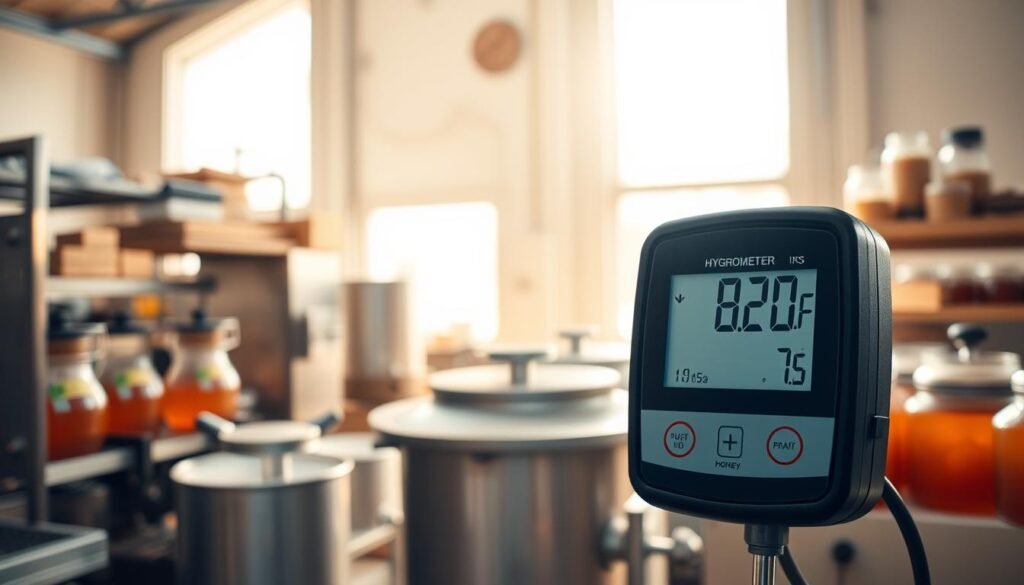
The unit records up to two years of local data and can export logs as a CSV file. That makes trend analysis simple and supports audits or process reviews.
Accuracy is solid: the device reports within 3% relative humidity and ±0.54°F temperature. The clear display and app let you check readings and receive alerts when conditions drift.
This hygrometer pairs affordable price with practical features: unlimited data options via its app, straightforward calibration steps, and a reliable sensor that holds accuracy over time.
- Data storage: two years local, CSV export
- Monitoring: app alerts and continuous logging
- Performance: tight accuracy and easy setup
“Reliable logging and simple exports make this device a strong choice for long-term monitoring.”
Want low-tech checks too? See how to test honey moisture without an instrument for quick verification alongside electronic records.
Best Value Options for Budget-Conscious Producers
Budget-minded producers can still access reliable environmental tracking without large upfront costs. Two value models give core monitoring features and clear displays that make daily checks simple.
The Govee H5075 is a practical humidity monitor with Bluetooth and a large, easy-to-read display. It shows temperature and readings on the screen so staff can confirm conditions without opening an app.
The AcuRite 00613 adds a helpful house icon that signals if the space is too dry or too damp at a glance. Both units deliver solid accuracy and include basic calibration and data logging options.
- Low price: entry-level units reduce upfront cost while covering essentials.
- Battery life: long runtimes keep units online between checks.
- Alerts and app: simple notifications and Bluetooth connectivity aid fast response.
Recommendation: start with a value hygrometer to protect stored product while you scale monitoring. You can also integrate readings with other systems such as wireless hive scales to build a fuller data picture.
High-Precision Sensors for Specialized Storage
Precision sensors give you the confidence to store high-value product without guesswork. The SensorPush HT.w delivers that level of control with ±2% relative humidity and 0.36°F temperature accuracy.
Why it matters: tight accuracy and a clear display let staff see readings fast and act on alerts through an app or remote monitoring setup.
The unit supports unlimited data retention and durable hardware built for long service life. That combination makes it ideal when traceable records are required and price is justified by reduced loss.
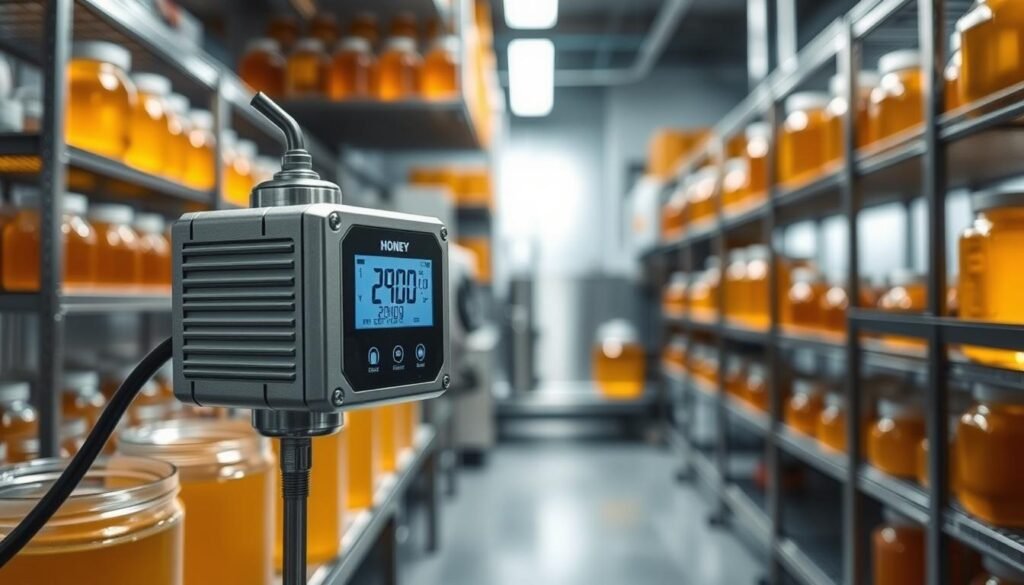
Set thresholds, log trends, and export records to support audits. The SensorPush is easy to calibrate, which keeps accuracy over years of use.
“High-resolution sensing removes doubt and preserves product value.”
- Proven accuracy: ±2% relative humidity, 0.36°F temperature.
- Remote monitoring and app alerts for immediate response.
- Unlimited data and CSV export to back up quality checks.
| Feature | Spec | Benefit |
|---|---|---|
| Sensor accuracy | ±2% RH, ±0.36°F | Precise readings to avoid spoilage risk |
| Data handling | Unlimited data, CSV export | Long-term logs for audits and trend analysis |
| Connectivity | Bluetooth + app, alerts | Remote monitoring and instant notifications |
| Maintenance | Easy calibration | Maintains accuracy over time |
Producers who need the most reliable readings should consider this class of sensor. For a quick method to spot-check moisture alongside electronic data, see how to test hive honey moisture.
Evaluating Battery Life and Power Requirements
Power choices determine whether your humidity monitor runs without gaps. A steady supply prevents missed readings and protects product value.
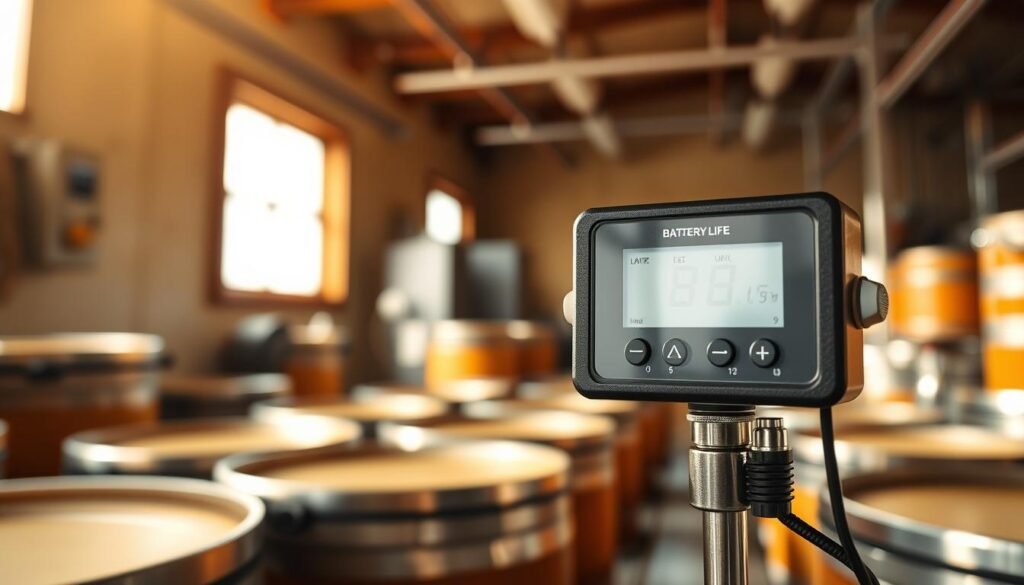
Some sensors use coin cell power while others rely on standard cells. The Govee H5051 runs on a CR247 coin cell. The ThermoPro TP49 uses a single AAA battery, which often lasts longer under frequent transmissions.
Modern sensor design focuses on efficiency. Many units can exceed a year on one set of power under normal polling intervals. Still, Wi‑Fi and frequent app updates shorten runtimes.
- Show battery status: pick devices with a clear display so you know when to change cells.
- Keep spares: store replacement batteries to avoid downtime across multiple monitoring points.
- Match power to use: remote alerts and rapid data pushes need higher capacity or more frequent checks.
Power impacts accuracy and long‑term data continuity. Plan battery type, check status regularly, and include calibration in routine maintenance to keep readings reliable.
“A reliable power source is the foundation of a consistent monitoring system.”
Importance of Calibration for Consistent Readings
Regular calibration keeps your sensor aligned with a trusted reference so readings stay reliable over months. Consistent checks prevent small errors from skewing temperature and relative humidity data that guide storage decisions.
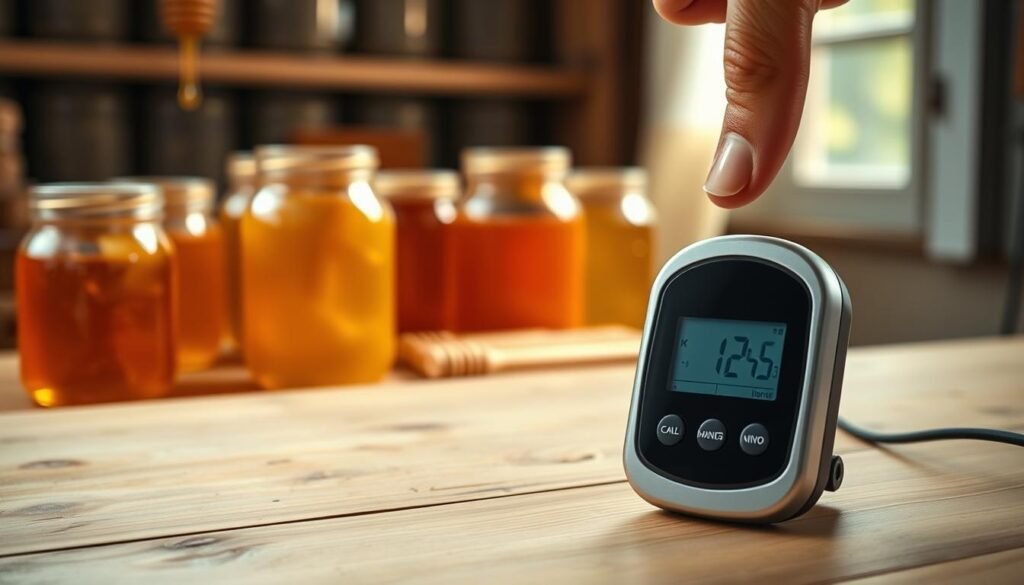
Even the most accurate hygrometers can drift. A quick salt test—place the device in an airtight container with table salt and a little hot water for 24 hours—gives a stable reference point.
Why do this? The salt environment holds a predictable moisture level so you can compare the display and app output to a known value. If the reading is off, adjust the unit or log an offset in your records.
- Use app calibration when available; it speeds checks and keeps data consistent across devices.
- If a device can’t be calibrated, pair it with a calibratable sensor and treat the non-calibratable unit as a secondary reference.
- Make calibration part of routine maintenance to protect quality and trust your data.
“Consistent readings are the key to informed decisions and long-term product quality.”
Proper Placement Strategies for Maximum Accuracy
Correct sensor placement is the single easiest step to improve the reliability of your environmental data.
Keep your hygrometer away from air ducts, exterior doors, and windows. These spots produce rapid shifts in temperature and can skew humidity readings.
Avoid placing the device near heat sources or wet areas. Such locations give local spikes that do not reflect the room’s average state.
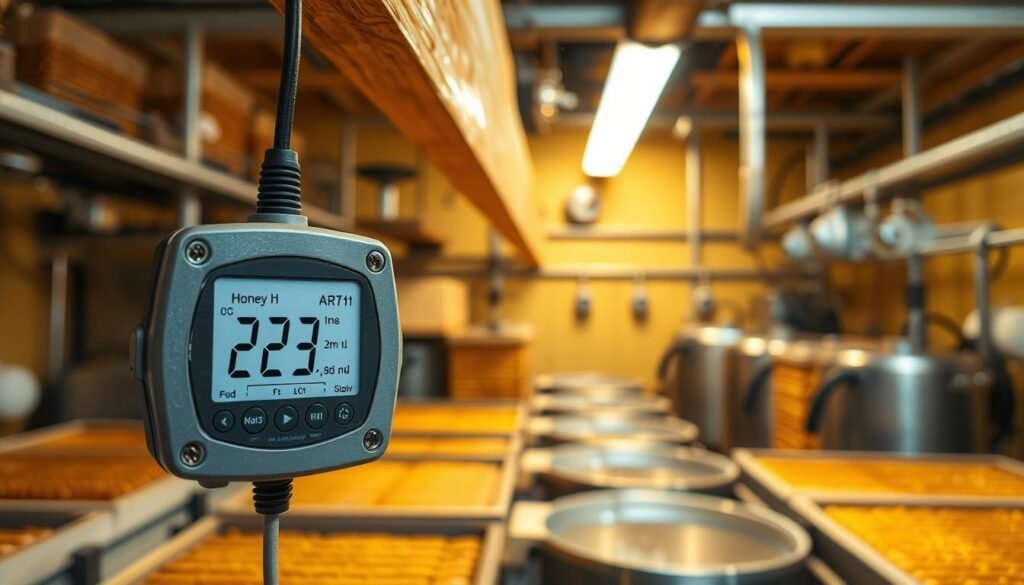
Mount the sensor centrally where air flows freely. That placement helps the display and logged data show the true current temperature and room conditions.
- Check connection: if you use remote monitoring, confirm the sensor sits within your gateway’s effective range.
- Test spots: try several locations and compare readings over a few days to find the most stable spot.
- Avoid exterior walls: they often move faster in temperature and reduce overall accuracy.
“Proper placement prevents false alarms and keeps your system trusted.”
Follow these steps to maximize the range and reliability of your sensor and protect stored product quality. For a quick lab method that complements electronic checks, see test honey purity at home.
Avoiding Common Pitfalls in Humidity Measurement
Small mistakes in where you place a sensor can turn good readings into misleading data. Avoid drafty spots, direct sunlight, and locations near doors. These areas produce rapid swings that do not reflect the room’s average state.
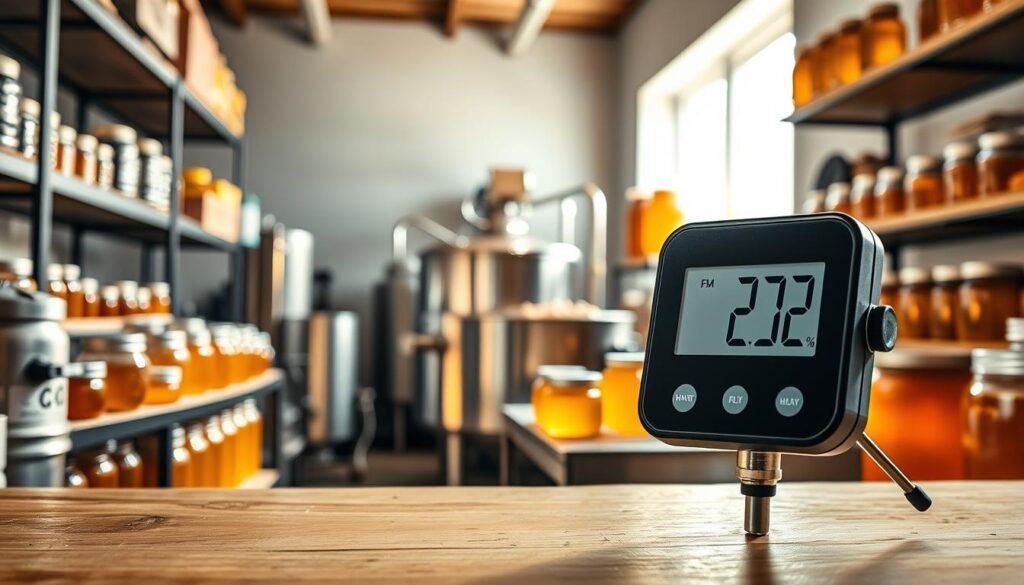
Be cautious with consumer-style units. Devices that show a house icon often aim at home comfort. They can lack the precision needed for professional storage. An analog hygrometer needs frequent tuning and may drift between checks.
Keep sensors clean. Dust and condensation interfere with probes and skew relative humidity and temperature readings. Wipe devices gently and inspect the probe regularly to maintain reliable data.
- Use multiple devices in larger spaces to map conditions accurately.
- Don’t place sensors where they can get wet; moisture on the probe can damage equipment.
- Know your device’s range and limits so you don’t base decisions on incorrect numbers.
| Common Issue | Impact | Quick Fix |
|---|---|---|
| Drafty placement | Erratic readings | Move sensor to a central, sheltered spot |
| Dust or condensation | Slow drift or spikes | Clean probe monthly; avoid wet areas |
| Single sensor in large area | Misleading averages | Deploy multiple units and compare data |
“Proactive checks and correct placement keep your monitoring trusted.”
Integrating Humidity Data into Your Production Workflow
Centralizing your environmental logs helps teams act on trends before issues start. Exporting CSV files turns raw readings into charts you can use for planning and audits.
The Govee Home app supports refresh intervals of 10 or 30 minutes, which keeps teams updated without overloading power. Use that cadence to balance battery life and timely alerts.
Linking temperature humidity logs to scheduling lets you pick the best times to move or bottle product. Track relative humidity trends to spot when ventilation or a dehumidifier is needed.
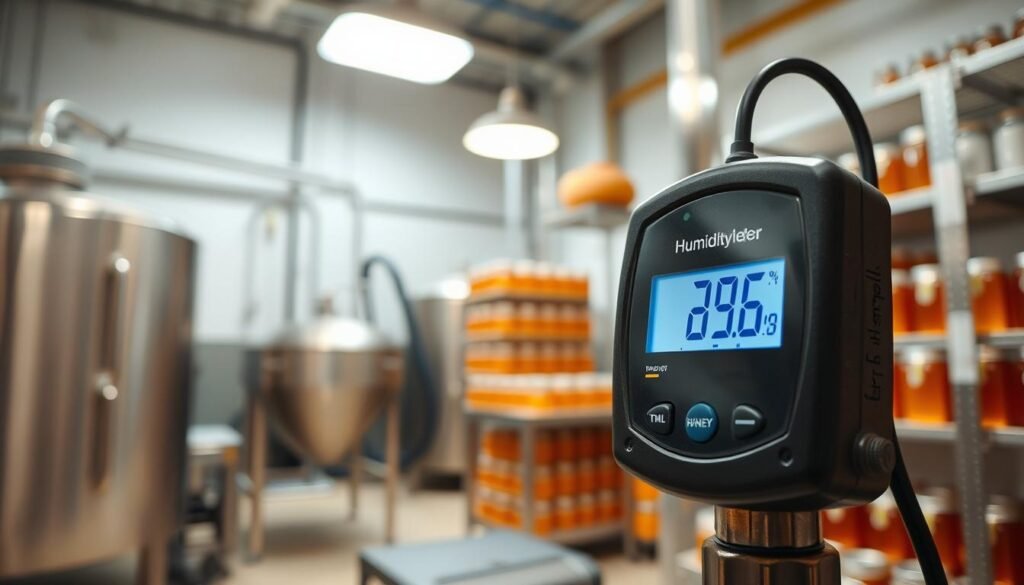
Make remote monitoring part of daily checks so the current humidity and temperature are visible on a single display. A calibrated hygrometer in the line of sight reduces guesswork and speeds decisions.
- Log readings: keep a daily file to help troubleshoot variations.
- Use app data: export CSV files to analyze seasonal patterns.
- Standardize checks: set who reviews alerts and when to act.
“Use data from your devices to optimize the environment and protect product quality.”
Protecting Your Investment Through Regular Maintenance
Simple, scheduled checks extend the useful life of your monitoring equipment and support consistent product quality.
Treat your humidity monitor and related sensors as essential tools in your operation. Replace batteries on a schedule and note battery life so devices never fail during critical times.
Keep probes and ports clean. Dust and grime reduce accuracy and lead to false readings. A gentle wipe once a month keeps the display and sensor working well.
Perform a calibration check at least once a year. If your hygrometer gives odd numbers, inspect placement and wiring before you trust the data again.
- Record maintenance: log battery swaps, cleanings, and calibration dates.
- Check placement: ensure sensors sit where they measure true room temperature and humidity.
- Act on anomalies: investigate inconsistent readings promptly to avoid spoilage.
| Task | Frequency | Benefit |
|---|---|---|
| Battery check | Quarterly | Prevents downtime, preserves battery life |
| Sensor cleaning | Monthly | Maintains accuracy of data |
| Calibration | Annually | Ensures long-term reliability |
| Placement review | Semi-annually | Confirms true room readings |
“Regular maintenance turns monitoring devices into a reliable asset that protects product value.”
Conclusion
A clear monitoring strategy turns raw sensor data into confident storage decisions. Focus on sensor selection, regular checks, and simple calibration to keep conditions steady and protect product value.
Prioritize devices that deliver reliable readings, solid battery life, and easy data export. Regular maintenance preserves long‑term accuracy and reduces surprises during peak season.
Use remote alerts and logs to shorten response time. Consider a proven option like the Ruuvi wireless sensor to add reliable monitoring to your setup at home.
Consistent checks and timely action will help you maintain stable humidity and keep product quality high throughout the season. Thank you for using this guide to choose the right tool and routine.
FAQ
How do I choose a humidity monitor suitable for honey processing rooms?
Choose a device offering accurate relative humidity readings (±2–3% RH preferred), a clear digital display, and a measurement range that covers 20–95% RH. Look for rugged construction, easy calibration, and battery life that matches your monitoring schedule. Remote monitoring and data logging are valuable if you need alerts or long-term storage of temperature and humidity data.
What accuracy should I expect from a professional hygrometer in food environments?
For sensitive food work, aim for a sensor accuracy within ±1–3% RH. High-precision models use capacitive sensors and often provide temperature accuracy within ±0.5°F. Calibration certificates or adjustable calibration functions help maintain consistent readings over time.
Can I rely on analog hygrometers, or should I choose digital models?
Analog hygrometers can be useful for quick checks but typically lack the precision and logging features of digital units. Digital monitors deliver faster response times, numerical readings, and often include alarms, data storage, and app connectivity that support quality control.
How important is remote monitoring and smart alerts for a production room?
Remote monitoring is crucial when you need constant oversight across multiple rooms or during off-hours. Smart alerts notify staff of excursions in temperature or humidity, reducing the risk of moisture absorption or fermentation. Choose systems with reliable wireless protocols and unlimited or robust data storage if you plan long-term analysis.
Where should I place a humidity sensor for the most accurate readings?
Place sensors away from vents, doors, and direct sunlight. Mount them at product height and in the center of the room for representative readings. Avoid locations near equipment that emits heat or moisture to prevent skewed data.
How often should I calibrate my hygrometer?
Calibrate new devices on arrival, then at least every 3–6 months depending on use and manufacturer guidance. Calibrate immediately if you suspect drift after drops, exposure to extreme conditions, or inconsistent readings. Salt test kits and professional calibration services are common options.
What battery life should I expect and how does power choice affect monitoring?
Battery life varies widely: simple handheld units can run months on AA batteries, while wireless sensors with frequent transmissions may last weeks to months. Consider mains-powered or rechargeable models for continuous logging; check power consumption if you need long-term, unattended monitoring.
Which connectivity options are best for integrating data into a production workflow?
Wi‑Fi and Ethernet are best for real-time uploads and integration with farm or facility software. Bluetooth suits local access and spot checks. LoRaWAN and cellular options are useful for remote sites. Ensure the chosen model supports CSV export, cloud storage, or API access for seamless data use.
How much data storage do I need on a monitor used in processing areas?
For basic needs, a device that stores several weeks of readings is adequate. If you track hourly or minute-level data, look for devices with thousands of data points stored locally or unlimited cloud storage. Longer retention supports trend analysis and regulatory recordkeeping.
What alerts and thresholds should I configure to protect honey quality?
Set alerts for RH or temperature drift beyond acceptable ranges—typically when RH exceeds the target by 2–3% or temperature rises enough to increase moisture risk. Configure tiered alerts: immediate SMS or push notifications for critical breaches and email summaries for less urgent trends.
Are there specific sensor types recommended for specialized storage areas?
Capacitive polymer sensors are standard for stable, accurate RH readings. For high-precision needs, look for sensors with low hysteresis and fast response time. In corrosive or very humid environments, choose models with protective coatings or remote probe options.
How do I prevent common measurement errors in my production rooms?
Avoid placing sensors near doors, vents, or heat sources. Regularly clean and recalibrate sensors, secure firmware updates, and verify readings with a secondary reference device. Record maintenance and calibration actions to spot patterns that indicate sensor drift.
What is the role of relative humidity versus temperature when monitoring honey storage?
Relative humidity indicates moisture content relative to temperature; both affect honey’s moisture equilibrium. High RH at a given temperature increases moisture absorption risk. Monitor both metrics to understand conditions and control drying, storage, and packaging processes effectively.
How can I integrate sensor data into quality control and compliance documentation?
Use devices that export CSV or support cloud platforms to archive readings. Automate report generation for daily logs, trend charts, and incident reports. Maintain timestamps, calibration records, and alert histories to meet audit and regulatory needs.
Are there cost-effective monitoring options that still deliver reliable performance?
Budget models can provide acceptable accuracy and basic logging for small operations. Prioritize units with proven sensor specs, decent display clarity, and battery life. For producers scaling up, investing in a midrange digital monitor with calibration and connectivity features offers better long-term value.
How do I maintain and protect my monitoring devices to extend lifespan?
Keep devices clean, avoid exposure to corrosive cleaners, and store spare sensors in a stable environment. Replace batteries before failure, apply firmware updates, and schedule routine calibration. Protective housings and mounting kits reduce physical damage risk.