Table of Contents
- What Broodminder Is
- The Product Line: Temperature, Humidity, and Weight Sensors
- Setting Up Your First Sensor
- Reading the Data: What Normal Actually Looks Like
- Setting Useful Alerts Without Alert Fatigue
- Battery Life and Maintenance
- Broodminder vs. Building Your Own Sensor Setup
- What It Can’t Tell You
- Who Should Actually Invest in This
- Managing Multiple Colonies With Multiple Sensors
- Winter-Specific Value
- Using Weight Drops as an Early Swarm Indicator
- Combining Sensor Data With Your Broader Record-Keeping
- Connectivity Range and Where It Breaks Down
- Is the Investment Worth It? A Practical Way to Decide
- Reviewing Historical Trends, Not Just Live Readings
- Common Mistakes
What Broodminder Is
Broodminder is a line of wireless, battery-powered sensors that sit inside or attached to a hive and report temperature, humidity, and colony weight data to a smartphone app or cloud dashboard, letting you check on a colony’s status remotely without opening the hive. It’s one of the more established commercial products in the growing remote hive-monitoring space, alongside our companion guide to Arnia, a more commercial-grade option with acoustic sensing and cellular connectivity, and broader roundups like our best hive scale comparison and wireless hive scale guide — this article focuses specifically on setting up and getting real value from the Broodminder product line itself.
The Product Line: Temperature, Humidity, and Weight Sensors
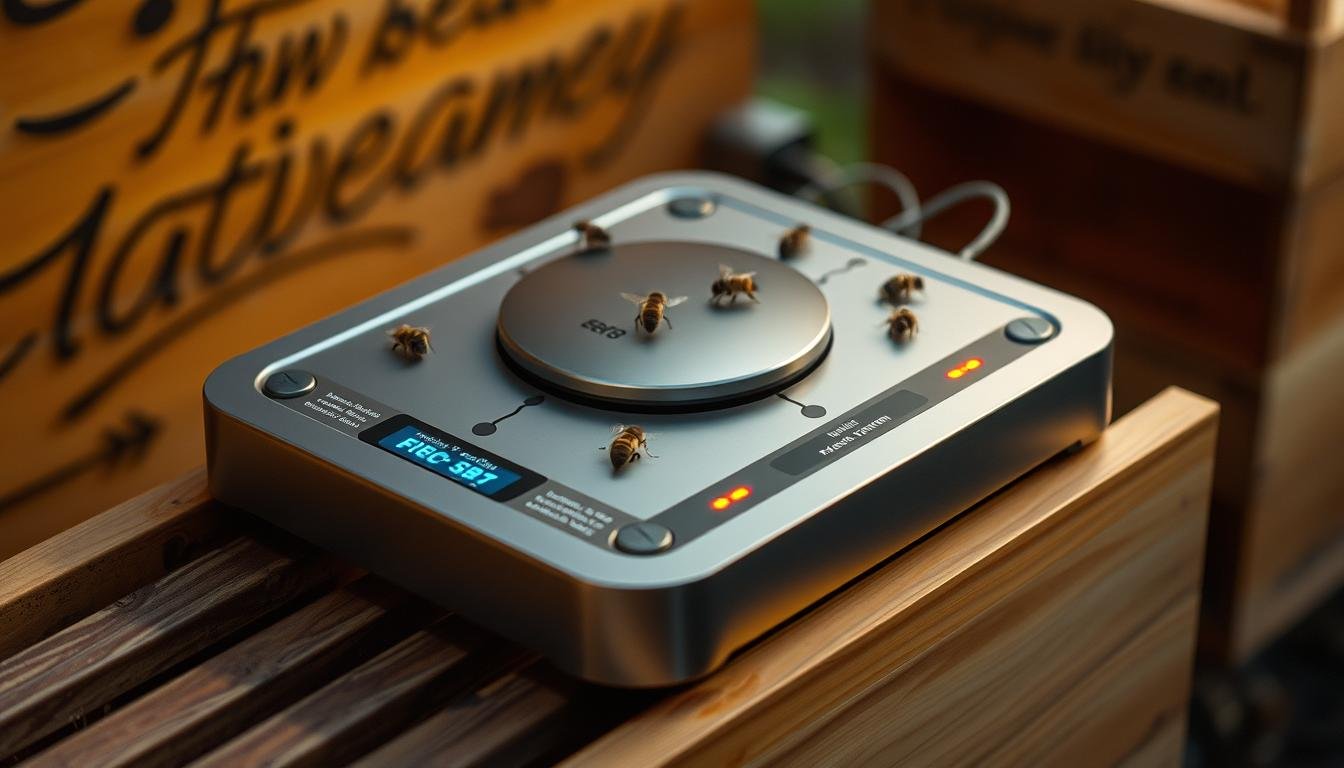
Broodminder sells several distinct sensor types rather than one all-in-one device: a temperature/humidity sensor that sits between frames inside the brood chamber, a scale that sits under the entire hive to track weight changes, and combination units that report multiple readings from a single device. Most beekeepers start with either a temperature/humidity sensor (cheaper, gives early warning of broodlessness or overheating) or a scale (more expensive, gives the clearest picture of nectar flow and honey stores) rather than buying the full product line at once — decide based on which question matters more to your specific management goals before investing in every sensor type.
Setting Up Your First Sensor
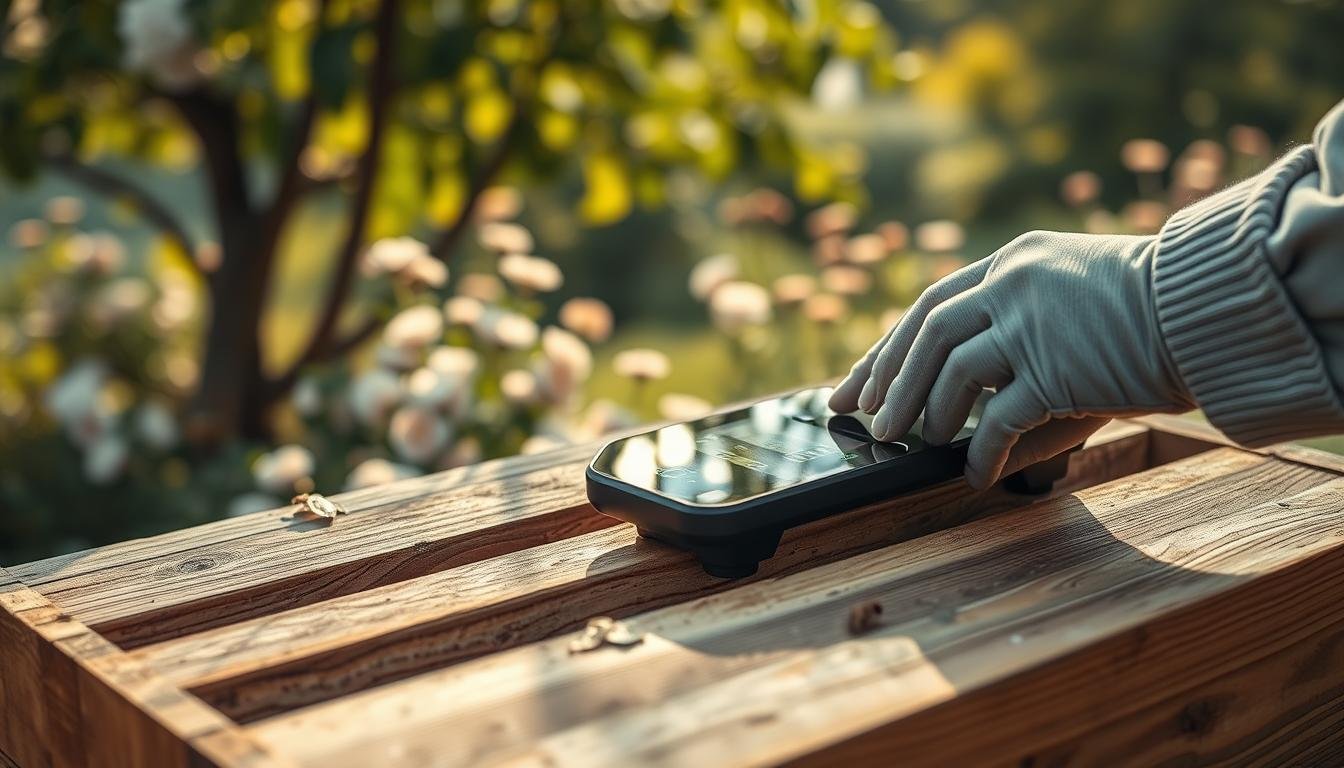
Initial setup is straightforward: pair the sensor with the Broodminder app over Bluetooth, place a temperature/humidity sensor between two frames near the brood nest (not in a super, where readings won’t reflect actual colony conditions), or place a scale sensor under the full stack of hive boxes on a level surface. Give the app a day or two of readings before drawing conclusions, since a freshly placed sensor sometimes shows transient readings while bees adjust to its presence, and weight readings specifically need a stable baseline before day-to-day changes become meaningful.
Reading the Data: What Normal Actually Looks Like
A healthy, actively brood-rearing colony typically maintains fairly stable brood-nest temperature in a tight range regardless of outside conditions, since bees actively thermoregulate the nest — a temperature reading that drifts significantly outside that stable range, especially dropping toward ambient outdoor temperature, is one of the more reliable early indicators of queenlessness or a badly declining colony, often visible in the data before it would be obvious on a routine physical inspection. Weight data is most useful read as a trend rather than a single number: a steady weight gain during a nectar flow, a plateau once flow ends, and a gradual decline through winter as stores are consumed are all normal patterns: it’s a sudden, sharp weight drop outside of these expected patterns that warrants investigation.
Setting Useful Alerts Without Alert Fatigue
The app allows threshold-based alerts (for example, notify me if temperature drops below X), but setting thresholds too tight generates enough false alarms that you’ll eventually start ignoring notifications entirely, defeating the purpose. Start with wider thresholds than you might initially want, tightening them over a season as you learn what your specific colonies’ normal ranges actually look like, rather than importing generic thresholds from a manual or online guide that may not reflect your local climate and colony conditions.
Battery Life and Maintenance
Sensor battery life varies by model and reporting frequency, but most Broodminder sensors are designed to last a full season or longer on a single battery before needing replacement — check the specific product’s rated battery life before purchase if you’re managing several sensors and want to plan replacement timing around a slow season rather than mid-summer. Keep the app updated and periodically confirm each sensor is still reporting, since a dead battery produces no data at all rather than an obvious “sensor offline” alert in every configuration, and a silent sensor is easy to overlook if you’re not checking in regularly.
Broodminder vs. Building Your Own Sensor Setup
A DIY setup using off-the-shelf temperature/humidity sensors and a microcontroller can be built more cheaply than buying Broodminder hardware, and appeals to beekeepers with an electronics background who want full control over data handling. The tradeoff is real: Broodminder’s packaged hardware, weatherproofing, app, and cloud dashboard are already solved problems, while a DIY build requires ongoing troubleshooting of your own hardware and software — a reasonable choice for a hobbyist who enjoys that work, but a real time cost for anyone who just wants working data without a side project.
What It Can’t Tell You
Remote sensor data tells you a lot about temperature, humidity, and weight trends, but it can’t diagnose disease, tell you the queen’s current laying pattern in detail, or replace a physical inspection entirely — treat it as an early-warning and trend-tracking tool that tells you when a physical inspection is worth prioritizing, not a substitute for ever opening the hive. A colony can show broadly normal sensor readings while still developing a problem that only becomes visible on frame-by-frame physical inspection.
Who Should Actually Invest in This
Beekeepers managing colonies at a distance from home, commercial or semi-commercial operations managing enough hives that a physical check of every colony every week isn’t practical, and hobbyists specifically interested in tracking nectar flow timing or winter stores consumption in detail are the clearest fits. A beekeeper with one or two hives in the backyard, inspected regularly anyway, will get real but more marginal value compared to someone managing colonies they can’t easily visit.
Managing Multiple Colonies With Multiple Sensors
The app supports monitoring several hives from one account, displaying each sensor’s data on a shared dashboard rather than requiring a separate app instance per hive — genuinely useful once you’re managing more than a couple of colonies, since it lets you scan for anomalies across your whole apiary at a glance rather than checking each hive individually. Label each sensor clearly by hive identity as soon as you set it up, since a dashboard full of unlabeled or generically numbered sensors becomes confusing quickly once you’re managing five or more colonies, and misreading which sensor belongs to which hive defeats the purpose of remote monitoring.
Winter-Specific Value
Remote monitoring is arguably most valuable during winter, when opening a hive for a physical inspection risks chilling the cluster and is generally avoided except when genuinely necessary — a temperature sensor showing a stable, actively-thermoregulated cluster gives real reassurance the colony is alive and functioning without any need to open the box, while a reading that drifts toward ambient outdoor temperature is a strong, early signal of colony loss that would otherwise go unnoticed until a physical check, sometimes weeks later. Weight data through winter similarly tracks stores consumption, giving you a data-driven basis for deciding whether emergency feeding is warranted before a colony actually starves, rather than guessing.
Using Weight Drops as an Early Swarm Indicator
A sudden, sharp weight drop during spring buildup — outside of the gradual patterns tied to nectar flow or consumption — can sometimes indicate a swarm has just left, since a swarm departs with a substantial portion of the colony’s adult population and a full crop of honey stores loaded for the journey, both of which register as a real weight change on a scale sensor. This isn’t a reliable swarm-prevention tool on its own (by the time it registers, the swarm has already left), but it can prompt a same-day inspection to confirm and, in the case of a cast swarm you can locate nearby, potentially recover the bees, which is more actionable than discovering a swarm has left days later during a routine check.
Combining Sensor Data With Your Broader Record-Keeping
Treat Broodminder data as one input alongside your regular inspection notes rather than a separate, disconnected system — noting sensor-flagged anomalies in your normal hive records, and cross-referencing physical inspection findings against what the data showed leading up to it, builds a much more useful picture over time than either data source alone. Beekeepers who review sensor trends alongside inspection notes tend to get better at interpreting what a given reading pattern actually means for their specific apiary and climate, since generic guidance about “normal” readings only goes so far compared to your own colonies’ established baseline.
Connectivity Range and Where It Breaks Down
Broodminder sensors communicate over Bluetooth, which has a limited effective range compared to WiFi or cellular systems, meaning your phone or a Bluetooth-to-cloud gateway generally needs to be within a reasonable distance of the hive to pull data reliably. For a backyard apiary this is rarely an issue, but for colonies placed at a remote out-yard, check whether a gateway device (many manufacturers offer one) is worth adding to your setup so data uploads to the cloud dashboard automatically rather than requiring you to be physically near the hive with the app open to sync each reading.
Is the Investment Worth It? A Practical Way to Decide
Rather than deciding based on the sticker price alone, weigh it against what a missed problem actually costs you — a colony that starves undetected through winter, or a queenless colony that goes unnoticed for weeks and can’t be saved, represents a real loss in replacement bees, lost honey production, and time, often exceeding the cost of a single sensor several times over. For beekeepers who’ve experienced this kind of loss before, or who manage colonies they can’t check on frequently, the investment tends to pay for itself quickly; for a backyard hobbyist inspecting weekly anyway, the case is more about convenience and peace of mind than hard financial return.
Reviewing Historical Trends, Not Just Live Readings
Beyond the live dashboard, the app retains historical data you can review as graphs over weeks or an entire season, which is genuinely more useful for spotting slow-developing problems than any single live reading — a colony declining gradually over several weeks is much easier to catch by reviewing a trend line than by checking a single current temperature number in isolation. Get in the habit of glancing at the multi-week trend view periodically, not just the live reading, since that’s where the tool’s real diagnostic value tends to show up.
Common Mistakes
Placing a temperature/humidity sensor in a honey super instead of near the actual brood nest is a common setup mistake that produces data that doesn’t reflect colony health in any useful way. Over-tight alert thresholds leading to alert fatigue, described above, is another common issue that quietly undermines the whole point of remote monitoring. Finally, treating sensor data as a full replacement for physical inspections — skipping hands-on checks because the readings look normal — risks missing problems the sensors simply aren’t designed to detect.
Sources
Product line details, setup guidance, and typical sensor specifications reflect publicly available Broodminder product documentation and general practices in the remote hive-monitoring space. For current, authoritative detail, see a peer-reviewed study on IoT-based remote hive monitoring.
FAQ
How much does a Broodminder setup cost?
Pricing varies by sensor type — temperature/humidity sensors are generally the cheapest entry point, with scale sensors costing more; check current pricing directly, as it changes over time and by retailer.
Does Broodminder replace the need for physical hive inspections?
No — it’s an early-warning and trend-tracking tool that helps you prioritize when a physical inspection is needed, not a substitute for ever opening the hive.
Where should I place the temperature/humidity sensor?
Between two frames near the brood nest, not in a honey super, since brood-nest readings are what reflect actual colony thermoregulation and health.
How long do the batteries last?
Most Broodminder sensors are designed to last a full season or longer on one battery, though this varies by model and how frequently the sensor reports data — check the specific product’s rated battery life before purchase.
Can Broodminder sensors work on remote out-yards without WiFi?
Sensors communicate over Bluetooth, which has limited range, so a remote out-yard generally needs either a periodic in-person sync with the app or an optional gateway device to relay data to the cloud dashboard automatically without you being physically present.